Psbios: A Complete Deep-Dive Into PlayStation BIOS, Emulation, Legality, and Performance
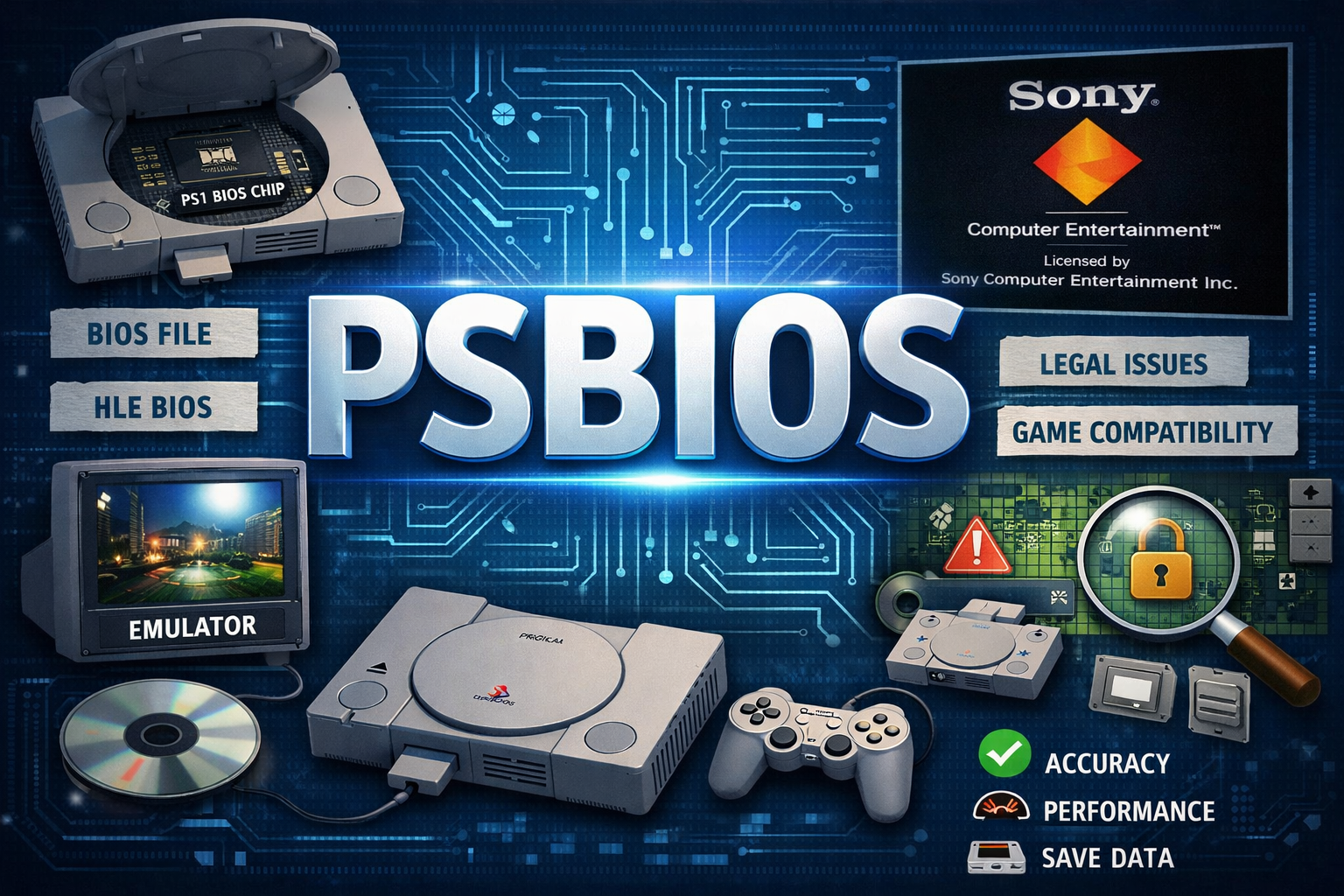
to Psbios
When people talk about console emulation, especially PlayStation emulation, one word keeps popping up again and again: Psbios. For beginners, the term can feel technical or even confusing. For experienced users, it’s a familiar piece of the puzzle that makes PlayStation emulation behave like the real thing. Either way, Psbios is one of those concepts you can’t ignore if you’re serious about running PlayStation games outside the original hardware.
At its core, Psbios refers to the PlayStation BIOS file, a low-level firmware that helps the PlayStation console boot, manage hardware, and run games correctly. Without it, the PlayStation as we know it wouldn’t exist. Emulators rely on this BIOS to recreate authentic system behavior, ensuring games load, save, and run as they would on an actual PlayStation.
What makes Psbios especially interesting is how it sits at the intersection of technology, nostalgia, legality, and performance tuning. Understanding it isn’t just about grabbing a file—it’s about knowing what it does, why it matters, and how to use it responsibly. This article breaks all of that down in a clear, expert-level but casual way.
What Exactly Is Psbios?
Psbios is essentially the Basic Input/Output System of the original Sony PlayStation (PS1). It’s stored on a chip inside the console and activates as soon as the system powers on. This firmware initializes hardware components like memory, CPU, graphics, sound, and input devices before handing control over to the game disc.
Beyond startup duties, the BIOS also provides core system functions that games rely on. These include memory card access, CD-ROM reading, region checks, and even sound processing routines. Developers built their games expecting these BIOS calls to exist, which is why accurate emulation often depends on having the correct Psbios file.
In emulation, Psbios becomes a digital copy of that firmware. When placed into an emulator, it allows the software to mimic Sony’s original hardware behavior closely. While some emulators can technically run without it, the experience is usually incomplete or inaccurate, especially for compatibility-sensitive titles.
Why Psbios Is Critical for PlayStation Emulation
One of the biggest misconceptions is that Psbios is optional or just a “nice extra.” In reality, it plays a massive role in compatibility and stability. Games that rely heavily on BIOS calls may fail to boot, crash, or behave strangely without it.
Accuracy is another huge reason Psbios matters. With a real BIOS loaded, emulators can replicate the PlayStation’s startup sequence, internal timing, and hardware quirks more faithfully. This leads to fewer graphical glitches, better sound synchronization, and more reliable save functionality.
Finally, there’s the nostalgia factor. Many users appreciate seeing the classic PlayStation boot screen—that iconic Sony logo and startup sound. While cosmetic on the surface, it’s also a sign that the emulator is running in a more authentic environment, closer to real hardware.
The Technical Role of Psbios Inside the System
Under the hood, Psbios acts as a bridge between software and hardware. It translates high-level commands from games into low-level operations that the PlayStation hardware understands. This includes handling interrupts, managing memory allocation, and coordinating peripheral communication.
Another key responsibility of the BIOS is region enforcement. Original PlayStation consoles used region locking to restrict games by geographic market. The BIOS checks disc regions and ensures compatibility with the console’s market version. Emulators replicate this behavior through Psbios, though many allow region overrides.
The BIOS also includes built-in debugging and diagnostic functions that developers used during game creation. Emulators leveraging a real Psbios can access these routines, which improves debugging accuracy and helps advanced users troubleshoot difficult compatibility issues.
Different Versions of Psbios Explained
Not all Psbios files are the same. Sony released multiple BIOS versions over the PlayStation’s lifespan, each tailored to specific regions and hardware revisions. The most common ones include versions for Japan, North America, and Europe.
Regional BIOS differences may seem small, but they can affect language defaults, region checks, and timing behavior. Some games are sensitive to these variations, meaning they’ll work better—or only work—on specific BIOS versions.
There are also BIOS revisions associated with later PlayStation hardware models. These revisions sometimes include bug fixes or slight performance changes. For serious emulation enthusiasts, experimenting with different BIOS versions can significantly improve compatibility for certain titles.
Psbios vs HLE BIOS: What’s the Difference?
Many emulators offer an alternative to Psbios called HLE BIOS (High-Level Emulation BIOS). This is a built-in, reverse-engineered replacement designed to mimic BIOS functionality without requiring the actual firmware.
HLE BIOS can be convenient, especially for quick setup or casual testing. However, it often lacks the precision of a real Psbios file. Certain games may exhibit bugs, missing audio, or incorrect save behavior when using HLE instead of a genuine BIOS.
For users who value accuracy, compatibility, and authenticity, Psbios remains the gold standard. While HLE has improved over the years, it still can’t fully replace the real BIOS in every scenario.
Legal Considerations Around Psbios
The legality of Psbios is a topic that sparks constant debate. The key point to understand is that the BIOS is copyrighted software owned by Sony. Downloading it from unofficial sources is generally considered copyright infringement in most regions.
However, extracting Psbios from your own legally purchased PlayStation console is often considered legal under personal backup or fair-use principles, depending on your local laws. This distinction is crucial for users who want to stay on the right side of legality.
Emulator developers intentionally avoid distributing Psbios files with their software to prevent legal trouble. As a user, understanding these boundaries helps you make informed, responsible decisions when setting up your emulator environment.
How Psbios Improves Game Compatibility
Some PlayStation games push the hardware to its limits, relying heavily on BIOS routines for timing, memory management, or disc access. Without a proper Psbios, these games may fail to run correctly.
Compatibility improvements are especially noticeable in JRPGs, rhythm games, and FMV-heavy titles. These genres often stress the system in unique ways, making BIOS accuracy critical. Even minor discrepancies can result in audio desync or visual artifacts.
By using the correct Psbios version, users can dramatically reduce crashes, graphical bugs, and save-file corruption. For long games, especially RPGs, that stability can make or break the experience.
Psbios and Performance Optimization
While Psbios itself doesn’t magically boost performance, it enables more accurate timing and instruction handling, which indirectly improves smoothness. Games run closer to their intended speed, reducing stutter and frame pacing issues.
Emulators can also optimize around real BIOS behavior more effectively than around approximations. This allows for better CPU usage and fewer compatibility hacks, leading to smoother gameplay on lower-end systems.
In some cases, switching between BIOS versions can even resolve performance bottlenecks. Advanced users sometimes test multiple BIOS files to find the best match for specific games or emulator builds.
Common Issues Caused by Missing or Incorrect Psbios
One of the most common problems users face is the emulator refusing to boot games due to a missing BIOS file. Error messages can be vague, especially for beginners, leading to frustration.
Using the wrong BIOS region can also cause problems. Games may fail region checks, display incorrect language settings, or freeze at startup. These issues often disappear once the correct Psbios version is loaded.
Corrupted or incomplete BIOS files are another headache. Even a small data error can lead to crashes or graphical glitches. This is why verifying BIOS integrity is so important for long-term stability.
Psbios in Modern Emulation Setups
Today’s emulation scene has come a long way. Modern PlayStation emulators integrate Psbios support seamlessly, making setup easier than ever. Once configured properly, users rarely need to touch the BIOS settings again.
Psbios also plays a role in retro handhelds, emulation consoles, and multi-system setups. Devices running custom firmware often rely on external BIOS files for accurate PlayStation emulation.
As emulation hardware improves, the importance of a correct Psbios remains unchanged. Accuracy at the firmware level continues to be the foundation of a faithful PlayStation experience.
Security and Integrity of Psbios Files
Because BIOS files are frequently shared online, they’re also common targets for tampering and malware embedding. Using unverified sources can put your system at risk.
Experienced users recommend verifying BIOS checksums and keeping files isolated in dedicated emulator directories. This reduces the risk of accidental execution or corruption.
Maintaining clean, verified Psbios files ensures not only legal peace of mind but also system stability. A secure BIOS setup leads to fewer crashes and a more predictable emulation environment.
Future of Psbios and PlayStation Emulation
As emulation technology evolves, researchers continue exploring ways to replicate PlayStation hardware with increasing precision. While HLE BIOS options may improve, the real Psbios is likely to remain relevant for years.
Preservation efforts also highlight the importance of BIOS files as part of gaming history. Without them, accurate archival of classic games becomes much harder.
Looking ahead, Psbios will continue to be a cornerstone of PlayStation emulation, bridging the gap between original hardware and modern systems.
Final Thoughts on Psbios
Psbios may seem like a small technical detail, but in reality, it’s one of the most important components of the PlayStation ecosystem. From booting the console to running complex games, it quietly handles tasks that define the PlayStation experience.
For emulation enthusiasts, understanding Psbios means better compatibility, improved stability, and a more authentic feel. It’s not just about playing games—it’s about preserving how those games were meant to be played.
Whether you’re a casual gamer revisiting childhood classics or a hardcore emulator enthusiast fine-tuning every setting, Psbios is something worth understanding deeply. Once you do, everything about PlayStation emulation just makes more sense.














Post Comment